

If you follow my antics on Instagram since the start of the year you’ll know by now I’m teaching myself to draw, digitally.
I did this, not because I’m tired of photography – though it’s good to have a break sometimes. I did it more because I wanted a new challenge in art during the year and I’ve always envied traditional artist and their ability to pick up a pencil and doodle.



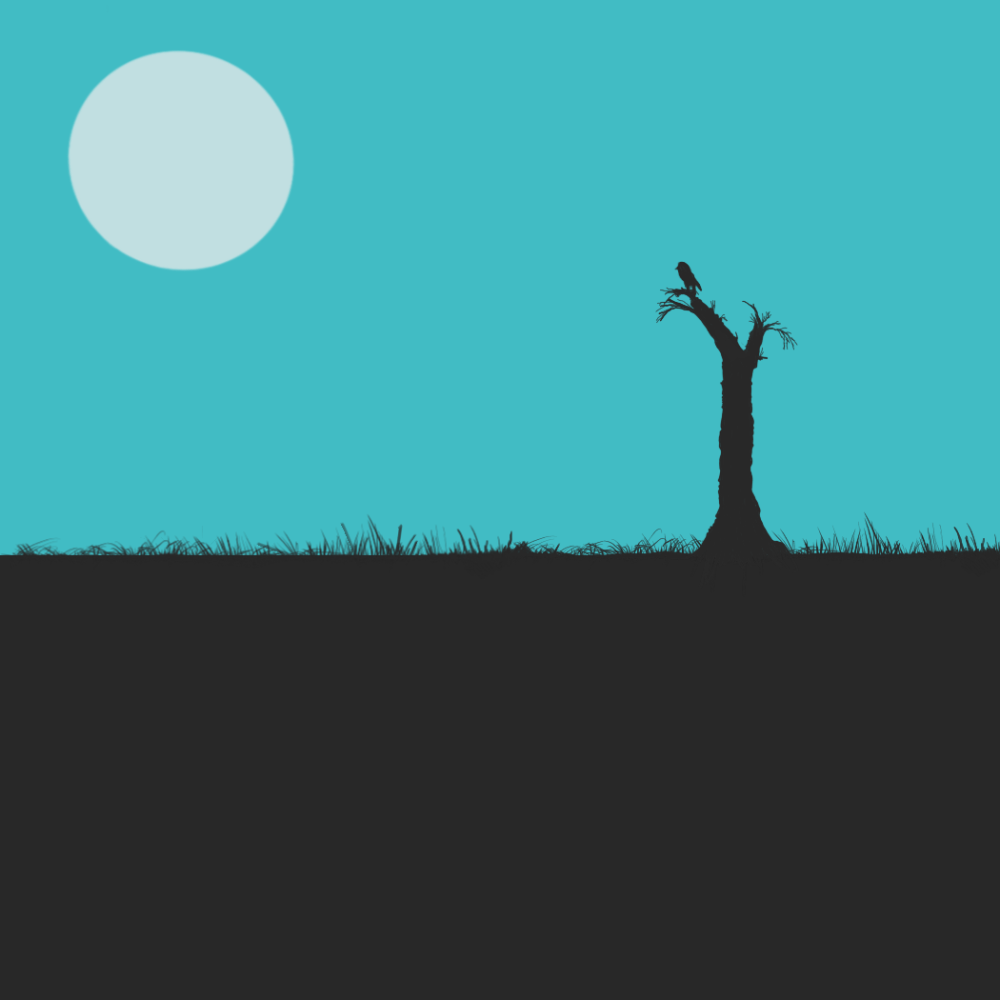



What Do I Use for Digital Drawing?
I know that the industry standard is Procreate, but unfortunately, that’s locked down to Apple iOS at the moment and I shun such an eco-system for its inflexibility. So that leaves me fewer choices.
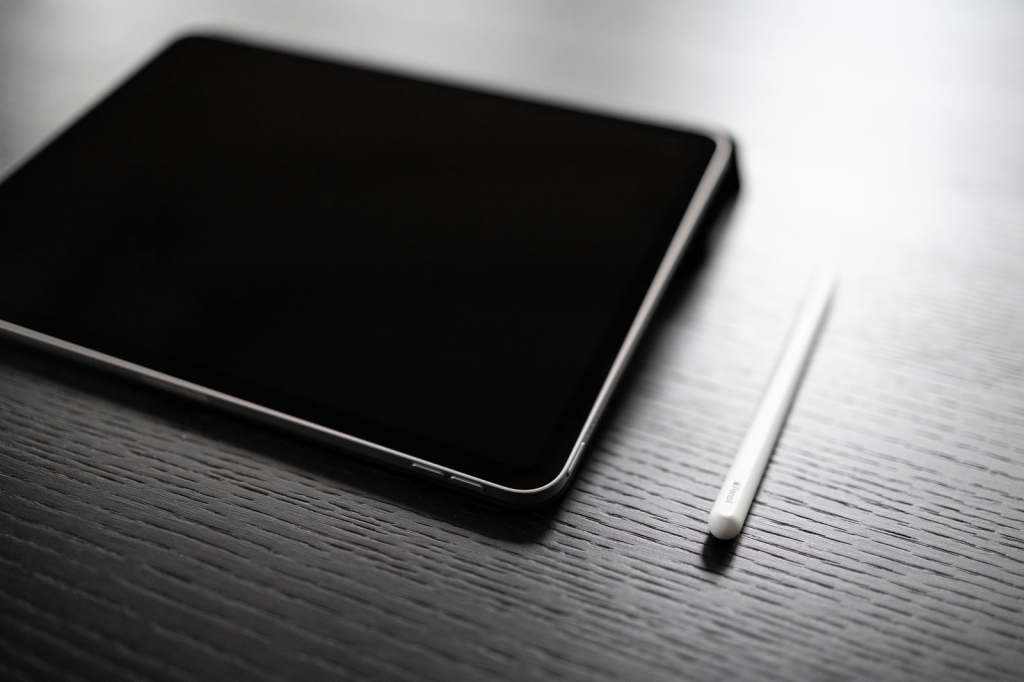
My apps of choice are Artflow and Autodesk’s Sketchbook. Both have a similar interface somewhat Sketchbook has a better set of blending brushes, yes is prone to crashing more. Artflow is much easier but with a smaller selection of brushes to choose from. So it ends up being a mix between the who.
I’m using a Samsung tab for all my art, I’ve tried using Wacom tablets, etc but it’s never been for me. I need to see directly what I’m drawing I can’t do it remotely.
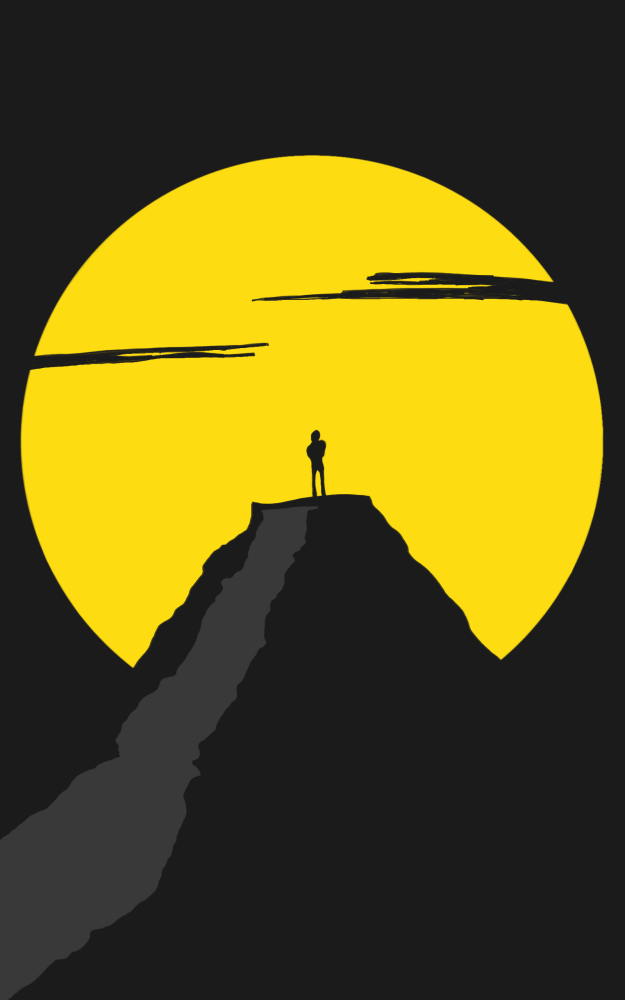



How it’s Going…
Well I’ll let you be the judge on that but my aim this year is a #365project where I am drawing every day so catch up on where I’m up to on my Instagram.
 Stephen Walton Photography
Leave a Comment