
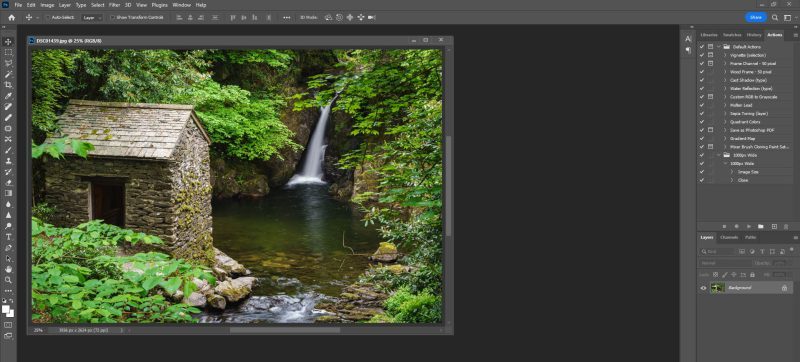
Hey there, creative minds! Are you ready to take your photo editing skills to a whole new level? Photoshop is like a magical toolbox that can transform ordinary pictures into extraordinary masterpieces.
In this blog post, we’ll reveal five secret Photoshop tricks that will wow your friends and make your photos stand out from the crowd. Get your creative cap on and let’s dive into the exciting world of Photoshop magic!
Mind-Blowing Photo Retouching
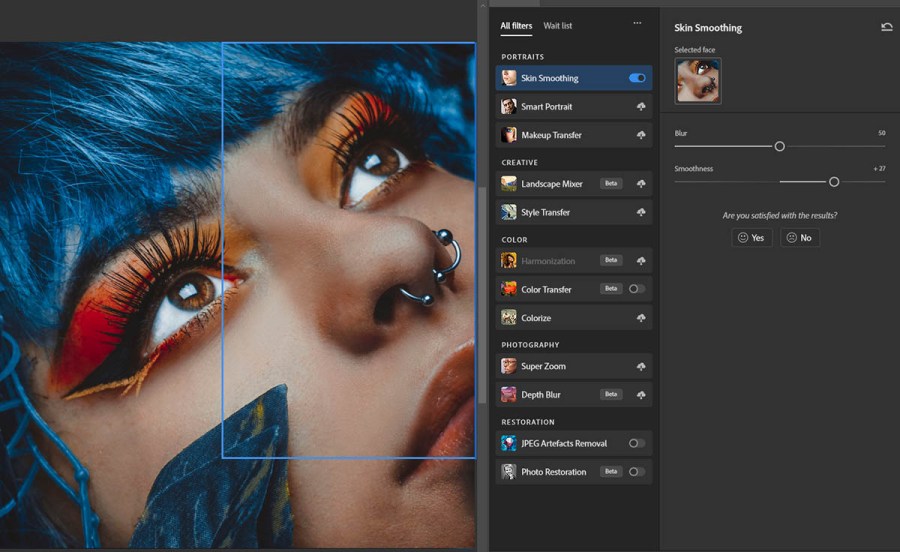
One of the coolest Photoshop tricks is photo retouching, which can magically remove blemishes, brighten smiles, and make your subjects look their best. To retouch a photo, use the “Spot Healing Brush” tool to zap away any unwanted spots or imperfections. Next, select the “Clone Stamp” tool to copy a good area and cover up any remaining blemishes.
You can also use the “Dodge” and “Burn” tools to enhance the highlights and shadows on your subject’s face, creating a more dramatic and eye-catching look. Photo retouching is like having a virtual makeup artist at your fingertips, making your portraits shine like never before!
Creating Jaw-Dropping Double Exposure Effects
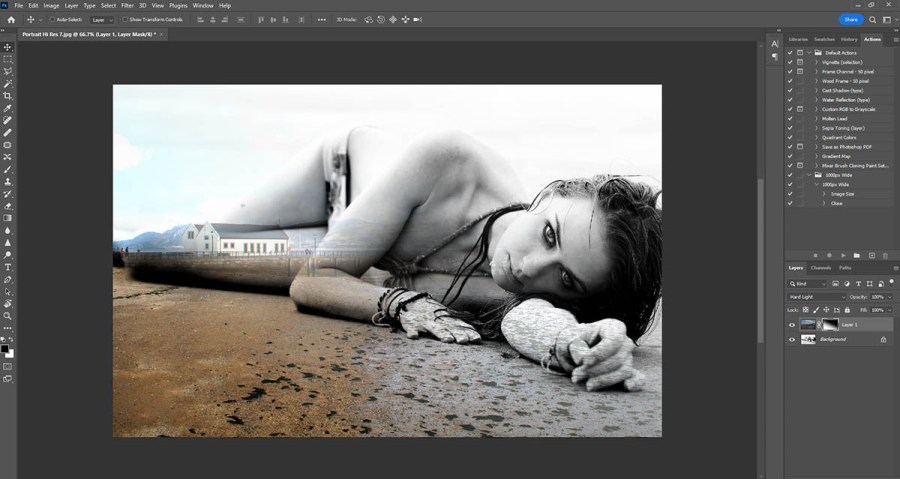
Double exposure is a super cool effect that combines two or more photos to create a stunning and dreamy image. To achieve this effect in Photoshop, open both photos you want to blend. Then, use the “Layer” menu to select “Create Clipping Mask” and adjust the opacity to make one image blend into the other seamlessly.
Experiment with different blending modes and opacities to achieve the perfect double exposure effect. You can create magical landscapes with animals, merge silhouettes with cityscapes, or even blend portraits with beautiful patterns. The possibilities are endless, and you’ll end up with jaw-dropping artworks that are sure to impress!
Mastering Mind-Bending Text Effects
Adding text to your photos can take them from ordinary to extraordinary. Photoshop has a whole array of text effects that will make your words pop and stand out like never before. To create mind-bending text effects, use layer styles such as “Drop Shadow,” “Bevel and Emboss,” and “Gradient Overlay.”
You can also warp and bend your text to fit the shape of objects in your photo using the “Warp Text” tool. This allows you to create text that follows the curves of a road, hugs the contours of a mountain, or wraps around a tree. With these text effects, you’ll add an extra dose of magic and creativity to your images!

Unleashing the Power of Layers
Layers are like magic sheets of transparency that allow you to work on different parts of your photo separately. By using layers, you can add and remove elements without affecting the rest of the image. For example, you can place text on one layer, a filter on another, and a special effect on yet another.
To create a new layer, click on the “New Layer” button at the bottom of the Layers panel. You can also duplicate layers, merge them together, or even apply layer masks to hide or reveal parts of a layer. Understanding and mastering the power of layers is like having a wizard’s wand to control every detail of your photo editing.
Mind-Blowing Colour Grading Techniques
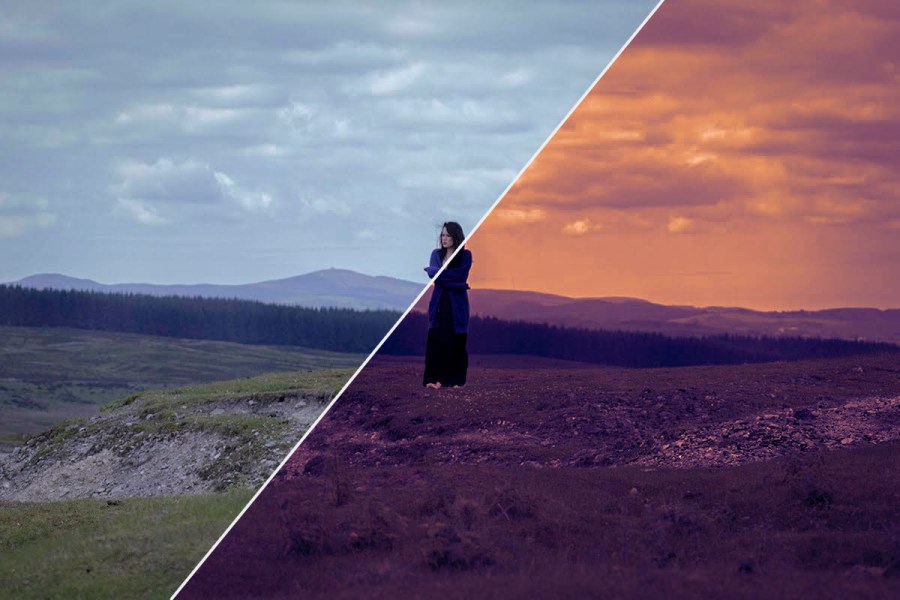
Colour grading is a fantastic way to give your photos a specific mood or style. With Photoshop, you can adjust the colours in your image to create warm and cozy tones, cool and mysterious vibes, or even dramatic and cinematic looks. To start color grading, use the “Curves” adjustment layer to tweak the brightness and contrast.
Next, use the “Hue/Saturation” adjustment layer to play with the colours and create unique tones. You can also use the “Colour Balance” adjustment layer to fine-tune the colors and add more depth to your photo. Colour grading is like adding a magical filter to your photos, transforming them into captivating works of art.
5 Photoshop Tricks: Summary
Congratulations, young Photoshop wizards! You’ve unveiled five secret Photoshop tricks that will take your photo editing game to the next level. From jaw-dropping photo retouching to mind-bending text effects, and from creative double exposure to mastering the power of layers and mind-blowing color grading techniques, you’re now equipped with the tools to create stunning images like a pro.
So, grab your creativity and start experimenting with these magical Photoshop tricks. Remember, the more you practice, the better you’ll become. Let your imagination run wild, and let Photoshop be your enchanted canvas of endless possibilities. Happy editing!
 Stephen Walton Photography
Leave a Comment